

Accessing StrataPT University
All training content lives at learn.stratapt.com. Access is provisioned as part of your onboarding — your team members receive login credentials before or during the go-live process.Need access? If you joined after your clinic’s initial go-live, or if a team member hasn’t received their credentials, contact your StrataPT Customer Success Manager to request access. You can also reach out through the Getting Help page.
Training by Role
StrataPT University is organized by role so each team member finds what’s relevant to their daily work without wading through everything else. Log in at learn.stratapt.com and navigate to your role under Certification Courses to get started.For Clinicians
Clinician training covers the workflows therapists and assistants use every session: patient documentation, SOAP Notes, treatment planning, Plans of Care, and how clinical decisions connect to billing outcomes. If your practice uses Mako, StrataEMR’s AI documentation assistant, dedicated training is included.For Front Desk Staff
Front desk training covers the full scope of patient-facing workflows: scheduling, intake, check-in and check-out, demographics management, and insurance entry. It also covers the patient-level billing touchpoints front desk staff own — verifying coverage, following a claim through to resolution, and handling patient collections at the point of care.For Admins
Admin training covers system administration, reporting, and clinic-level oversight. This includes managing users and settings, running financial and collections reports, and using StrataEMR data to understand how the practice is performing. If you’re responsible for what’s happening across the clinic — not just at the front desk — this is your track.A Look Inside StrataPT University
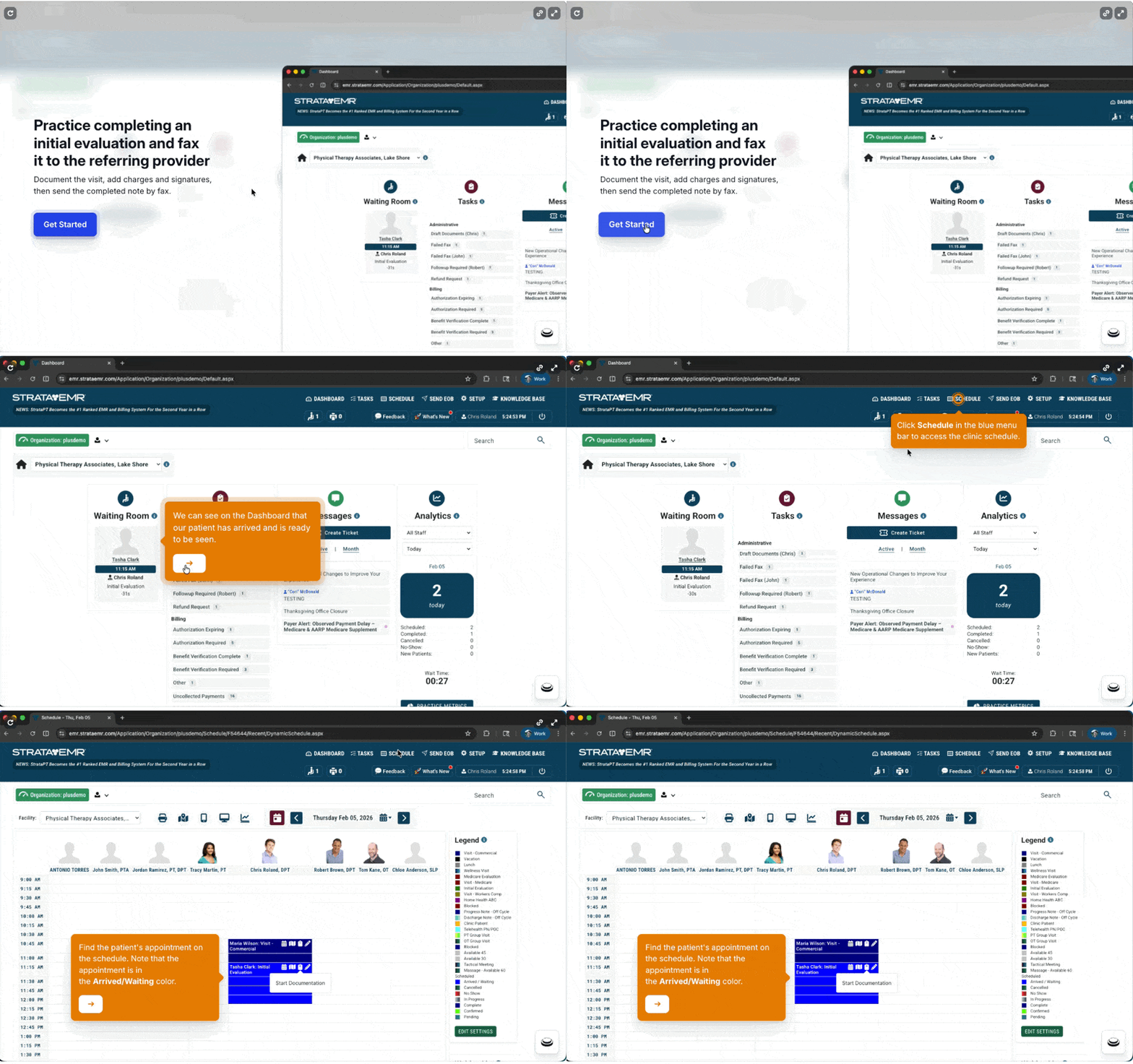
SPTU courses are built around real StrataEMR workflows — not generic software training. Here’s a preview of what the experience looks like. Log in at learn.stratapt.com to access the full library for your role.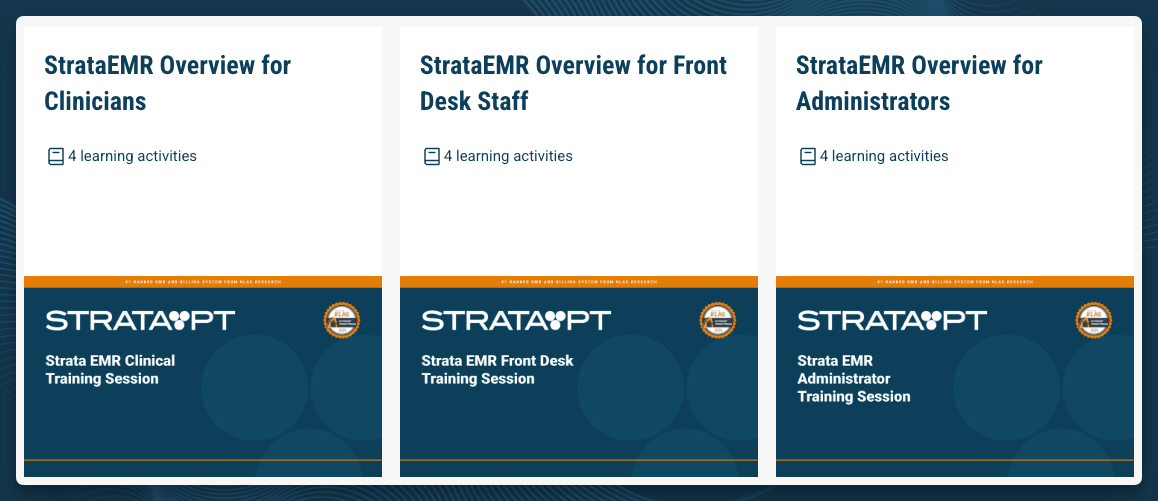
Onboarding New Staff
When you hire after go-live, new team members can get up to speed without waiting for a scheduled training session. Self-service training. StrataPT University includes the same recorded content delivered during your initial onboarding. New hires can work through their role’s modules independently, at their own pace, before their first day on the floor. Knowledge Base resources. The Guides section of this Knowledge Base provides step-by-step walkthroughs for all major StrataEMR workflows. These work alongside StrataPT University as a hands-on reference while staff are building confidence in the system. Live sessions for complex situations. If a new hire’s role involves customized workflows, or your practice has configurations not covered in standard training, you can request a live session with your Customer Success Manager. See below.Requesting Refresher Training
If your team needs a live training session — for a new hire, a workflow that’s evolved, or a feature your team hasn’t seen before — your Customer Success Manager can schedule one. To request a session, reach out through the Getting Help page or contact your Customer Success Manager directly.Staying Current
StrataEMR releases new features and workflow improvements on a regular cadence. To keep your team informed:- This Knowledge Base is updated alongside product releases. New guides and documentation are added as features ship.
- Product Updates are posted at stratapt.com/product-updates so your team can see what’s changed and what to expect.
- StrataPT University is updated to reflect new features. If something in the product has changed, check StrataPT University for updated training materials for your role.
Related
- Getting Help — How to reach support, submit tickets, and find answers.
- Guides — Step-by-step walkthroughs for StrataEMR’s core workflows.
- First 30 Days — What to focus on right after go-live.
- Onboarding — How the initial training and setup process works.