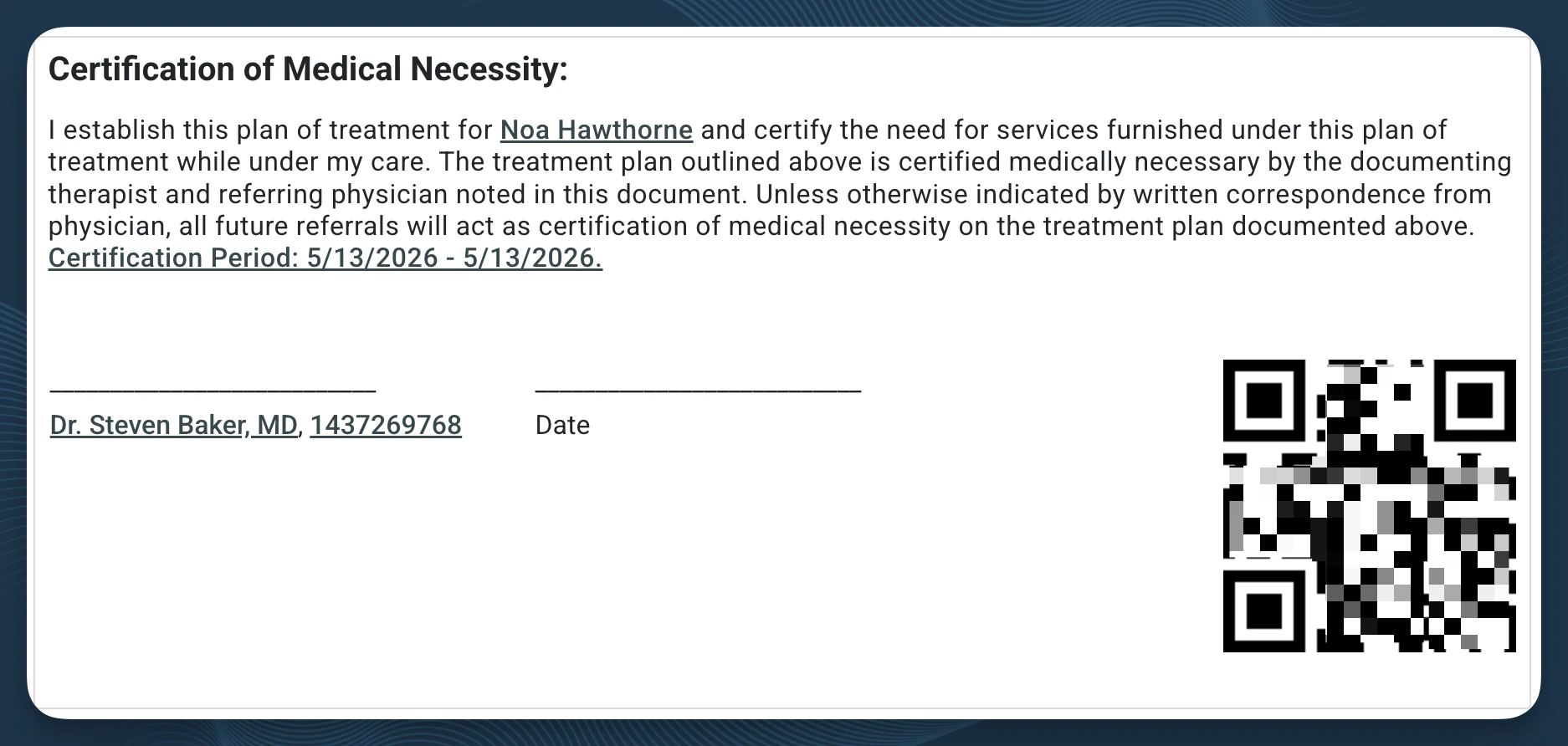
Access: All licensed clinical staff can complete Plan of Care documentation. The certification period in Case Info can be viewed and updated by any staff member at the practice.
What Is a Plan of Care?
A Plan of Care (POC) establishes the scope, frequency, and duration of a patient’s therapy. It defines the certification period — the date range during which services are authorized under that plan. Most payers, including Medicare, require an active, physician-signed Plan of Care before claims can be processed. In StrataEMR, Plan of Care information lives in two places:- The Plan of Care section of a clinical document — where you record frequency, duration, certification period, and discharge criteria as part of an Initial Evaluation, Progress Report, or Re-Evaluation.
- Case Info — where the certification period is stored at the case level and referenced by the billing system.
Certification Period
The certification period is the date range during which a patient’s Plan of Care is active. StrataEMR checks this window when you complete a clinical document — if the document’s date of service falls outside the active certification period, the system will block note completion. When a clinician signs a Plan of Care document — an Initial Evaluation, Re-Evaluation, or Progress Note containing a Plan of Care fragment — StrataEMR automatically sets the certification start date to the document date and calculates the expiration date from the week count entered in the document. Both values are written to Case Info at the moment of signing. The certification period can also be set or updated manually in Case Info by any staff member. This is common when a practice is migrating from another EMR — rather than generating a new document, staff enter the existing POC date range directly so billing can pick it up immediately. To update a certification period manually: Navigate to Case Info: Patient Menu Bar > Patient Info > Case Info > Plan of Care Certification Period. Update the date and save.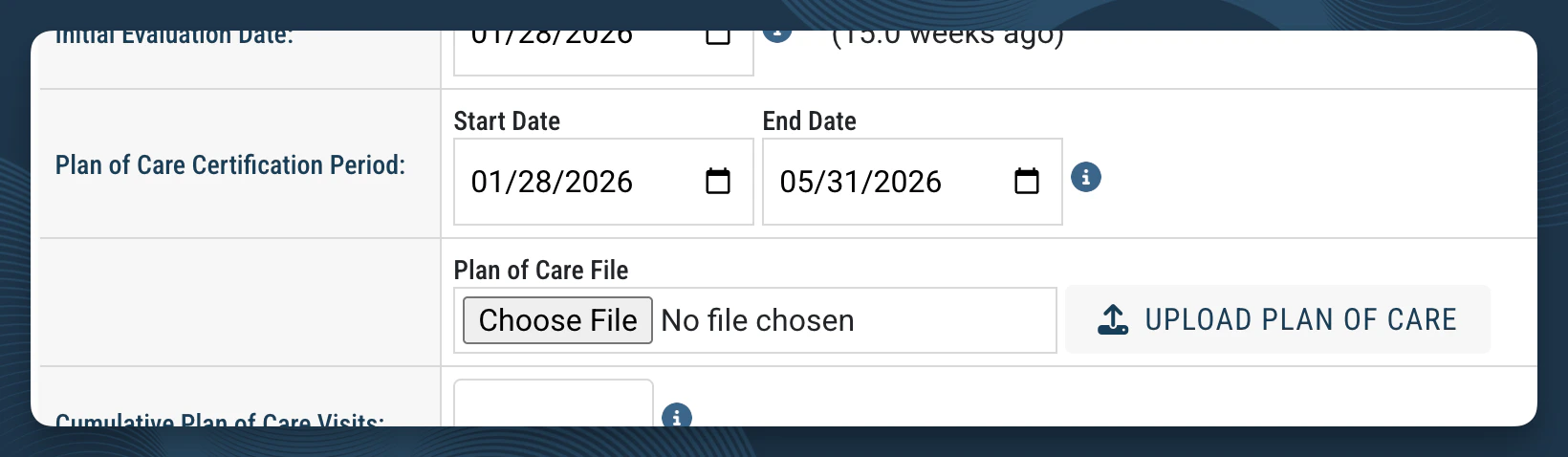
Frequency and Duration
The frequency and duration fields in the Plan of Care section record how often the patient will be seen and for how long. StrataEMR uses these values in scheduling calculations and when coordinating visits against authorization limits.Plan of Care Auto-Population
Plan of Care fragments appear in Initial Evaluations and in certain Progress Notes and Re-Evaluations. When you create one of these documents using the standard StrataEMR template, the Plan of Care section auto-populates the certification period and visits-per-week fields from case data. This auto-population only works when the standard, unmodified Plan of Care fragment is in use.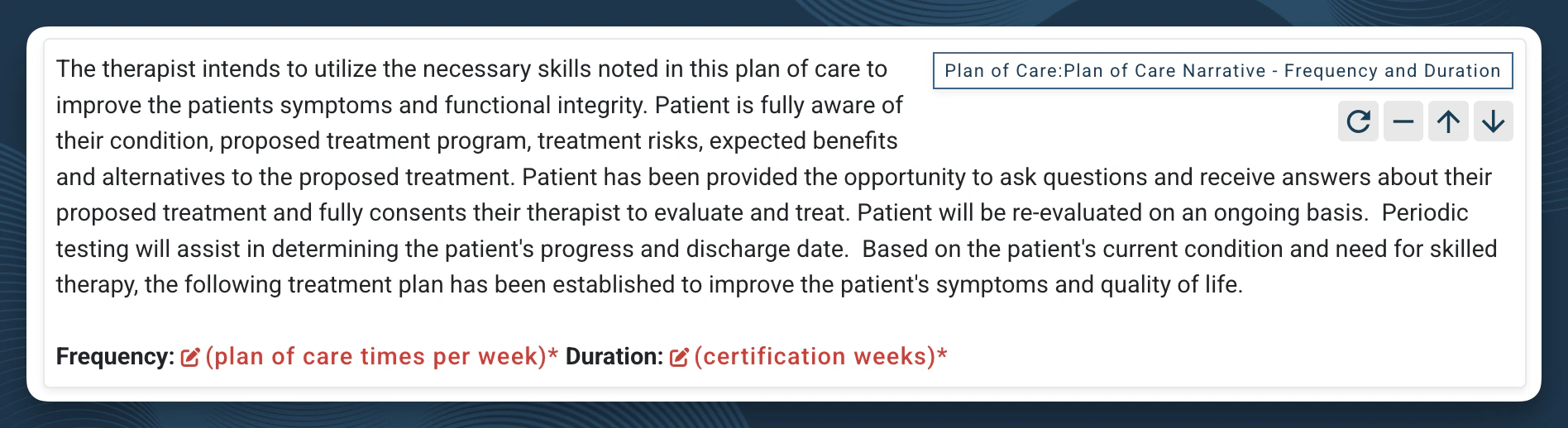
Using customized templates? If your practice uses a copied or edited version of the Plan of Care fragment, auto-population may not function. Your Therapy Director can work with your StrataPT account manager to confirm that the fragment is correctly mapped in any custom templates if you suspect information is not mapping.
Extending a Plan of Care
When a patient requires care beyond the current certification period, extend the Plan of Care by documenting a Progress Report or Re-Evaluation and obtaining a new physician signature. Extensions apply to continued treatment for the same condition. If a patient presents with a new or different condition — or returns after a significant gap in care — a new case is required rather than an extension of the existing Plan of Care.Physician Signature
Most payers, including Medicare, require a physician-signed Plan of Care before claims are submitted. Once the document that includes a Plan of Care is completed in StrataEMR, staff can send it for physician signature via fax from the patient’s clinical documents page.